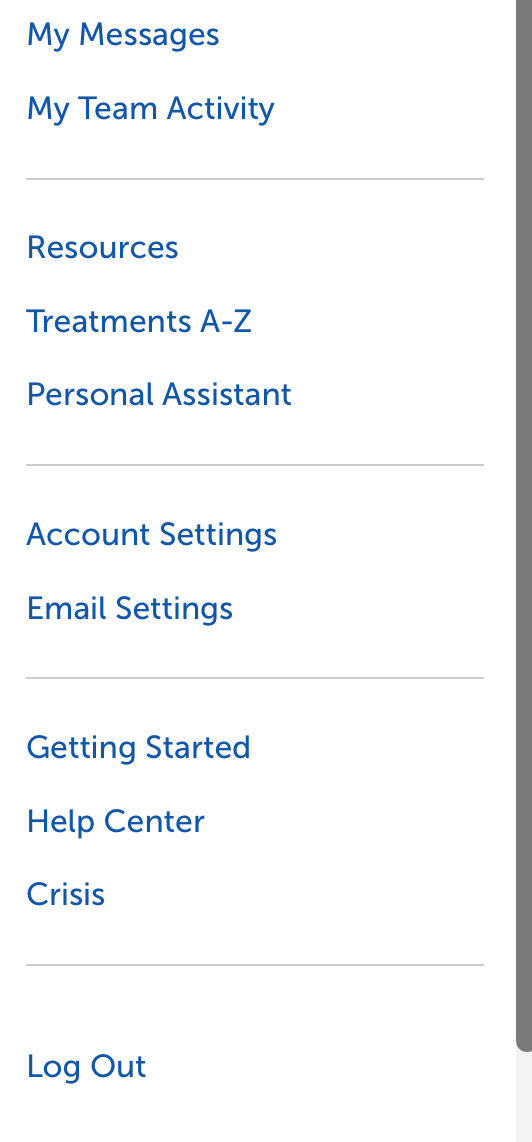
1. To add gender to your account, select the two-horizontal bar icon in the upper left, then select Account Settings.

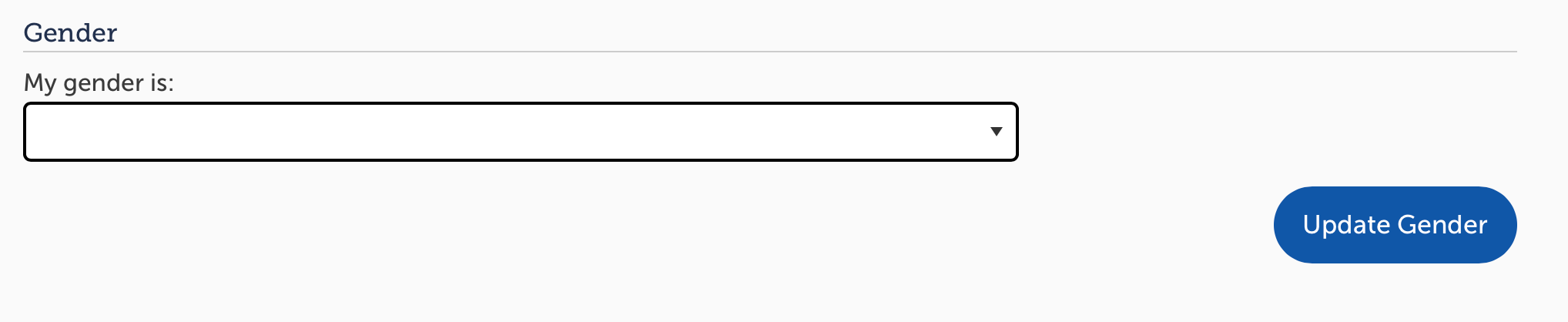
2. In the Account Settings, assign your Gender with the options provided. Then select Update Gender.
Selecting gender is completely optional and not displayed on your profile. We encourage members to add their gender to their accounts to help them find and connect with others who share it.