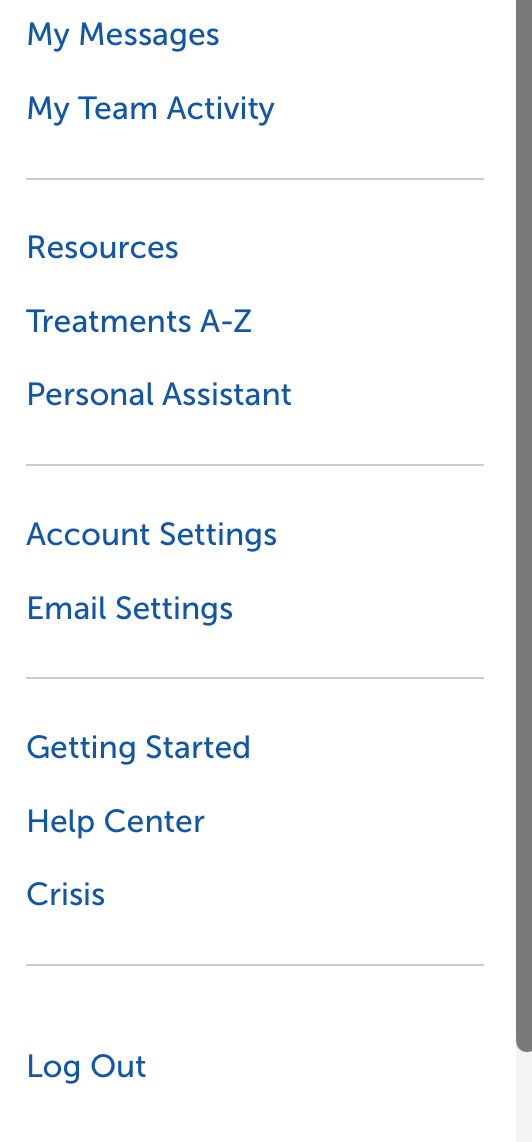
1. Select the two-horizontal lines on the top left of the page, then select Account Settings.

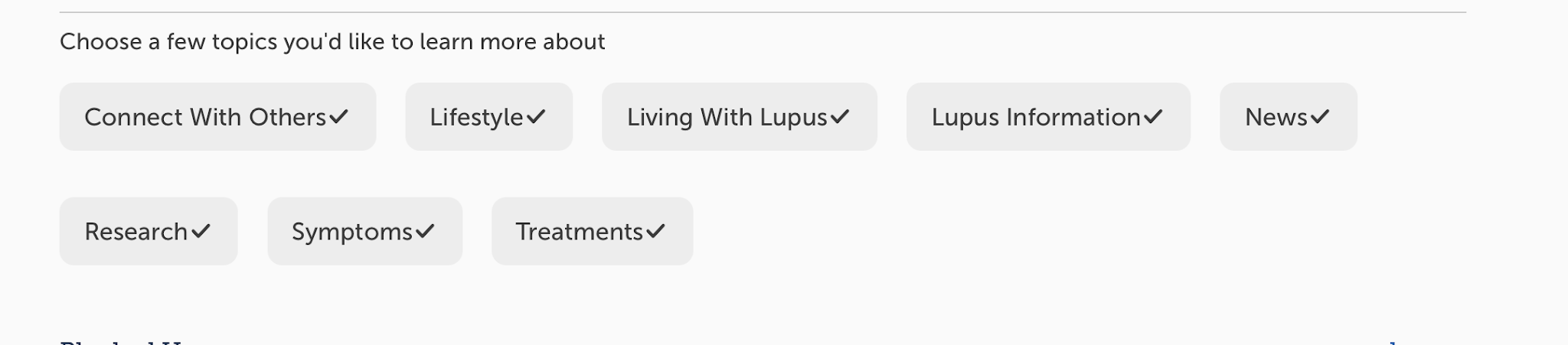
2. In Account Settings, select Change for Select Your Interests. Then choose which topics of interest you’d like to learn more about.
This helps personalize the articles, updates, and content you see based on the specific topics you’d like to learn more about.